ENV COMPARISON TOOL
A key added to staging and never promoted. A URL still pointing at the test host. A flag left on after a debugging session. Paste two .env files and see exactly what differs — nothing uploaded, nothing stored.
01 / HOW THE COMPARISON WORKS
Your env files are pasted into the browser, parsed locally, compared in memory, and discarded when the tab closes. There is no upload, no API call, and no database.
02 / WHAT IT CHECKS
Every key across both files is compared and grouped into one of three diff states, with sensitive keys set apart in their own section — all visible at once, no clicking through tabs.
03 / HOW IT WORKS
No account. No configuration. No upload. Close the tab and every byte is gone.
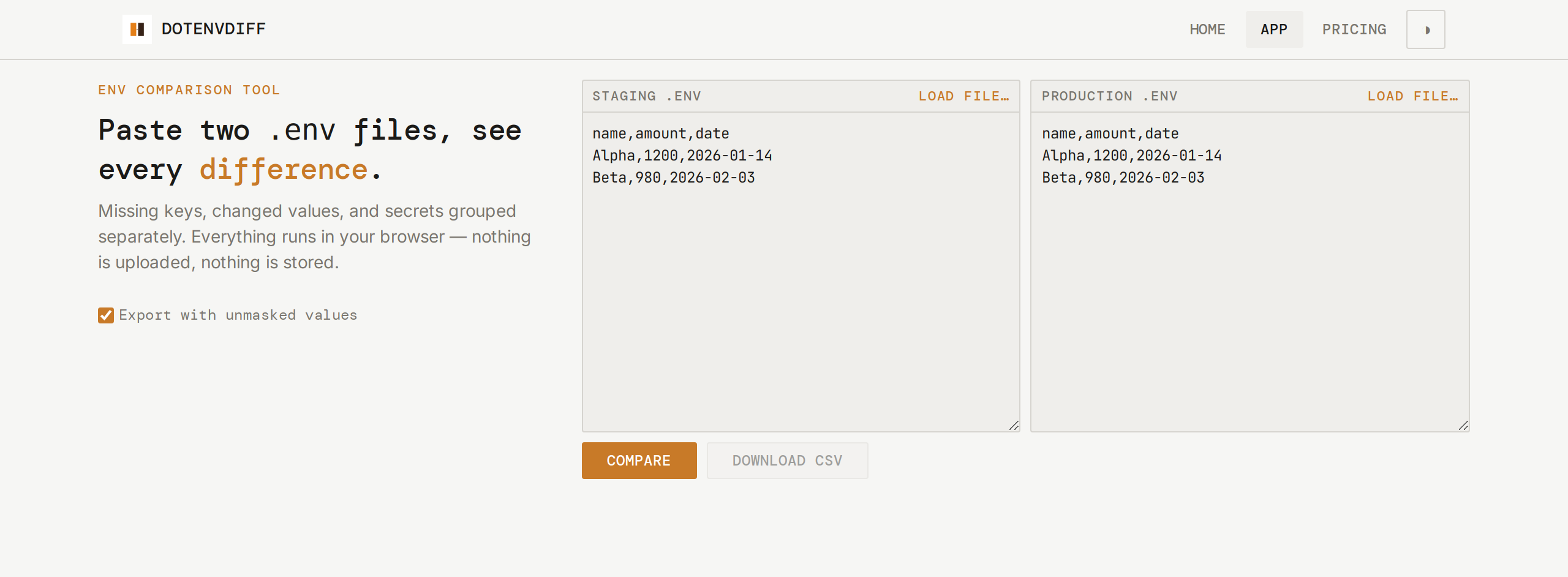
Paste two .env files into the side-by-side panes, or load them from your machine.
Click Compare. The tool parses every key locally and finds what differs — no network call, no server.
Missing keys, changed values, and matching keys are grouped into sections. Secrets are masked until you unmask them.
Download the full comparison as CSV for a ticket, a review, or a deployment checklist.
04 / WHAT IT COSTS
Dotenvdiff is a single-page tool that runs entirely in your browser. There is no backend to provision, no account to create, no data plan to buy. The same features — every category, every export, every masked-secret check — are available to every visitor, on every visit, with no upsell.
05 / WHAT IT WILL NOT DO
A tool that silently returns a wrong-looking answer is worse than one that says it cannot handle that input. Dotenvdiff is explicit about its limits.
Dotenvdiff never makes a network request. It cannot pull secrets from AWS, HashiCorp Vault, or any remote store. Paste the values in manually.
If both files set DATABASE_URL=localhost, Dotenvdiff reports them as identical. It cannot tell you that production should not point at localhost.
Dotenvdiff produces a CSV export and a screen view. It does not write back to your filesystem or offer to merge changes.
Close the tab or refresh the page — the comparison is gone. There are no accounts, no databases, and no audit trail. If you need to keep a record, export the CSV.
These limits are by design, not by omission. The tool holds no opinion about your config and stores nothing about your session.
06 / WHY NOT JUST DIFF
git diff or diff on the command line compares files line by line. That works fine for most files — but .env files have a structure that plain diff ignores. Keys can reorder, comments shift, and a changed value looks the same as a moved line. Dotenvdiff parses the actual key-value pairs, so you see:
It is the difference between a line-by-line comparison and a category-by-category reconciliation. When you are comparing files with fifteen, fifty or two hundred keys, the categories are what matter.
SOMETHING TO TAKE WITH YOU
Two env files. One comparison. Nothing stored. Paste your files above, or load them from disk, and see exactly what differs between your environments — in the time it takes to click Compare.